
Tech Tip: Speed Up Your PC in 60 Seconds

Does your computer feel slow or unresponsive when you first turn it on?
A common cause is too many applications launching automatically at startup.
Many programs quietly add themselves to startup without you realising, using valuable CPU and memory before you even begin working.
Applications like Zoom, Teams and Adobe Updater are frequent offenders.
How to Fix It
You can review and disable unnecessary startup programs:
- Press Ctrl + Shift + Esc to open Task Manager
- Click the Startup tab
- Disable applications you don’t need to launch automatically
Don’t worry, this doesn’t uninstall the software, it simply stops it running every time your computer starts.
Still Experiencing Slow Performance?
Get in touch – we’re here to make IT faster, simpler, and more reliable.
Still Experiencing Slow Performance?
Get in touch – we’re here to make IT faster, simpler, and more reliable.
Other Articles & Blogs

Unity News: Awards, Growth and New Faces
Unity Update: Awards, Growth and New FacesAs we step into a new month, we’re pleased to welcome three new additions to the Unity team: Johanne, Lynsey and Darren. Each brings their own specialist expertise, along with a shared focus on supporting our customers and...
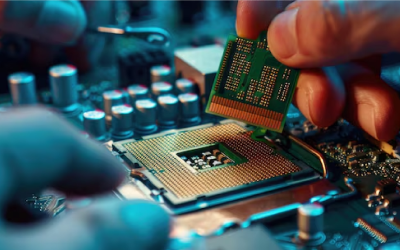
5 Reasons Why Keeping Your IT Hardware Up to Date Matters
5 Reasons Why Keeping Your IT Hardware Up to Date MattersOutdated IT hardware doesn’t always fail dramatically. More often, it quietly impacts performance over time – slowing systems, limiting capabilities, and increasing risk. While these issues can seem minor in...

How Remote Support Has Evolved to Meet Modern Workplace Demands
The Evolution of Remote Support in the Modern Workplace For SMEs in particular, this shift is not just technical, it has direct impact on operational continuity, regulatory compliance, and overall business resilience. As working environments have become more...