
Tech Tip: Speed Up Your Startup

Explaining IT issues over the phone can be frustrating, and sometimes takes longer than fixing the problem itself. Thankfully, Windows has a built-in tool called Steps Recorder that makes it simple to show exactly what’s happening on your screen.
How to Use it (Windows 10/11):
- Open Steps Recorder (search for it in the Start menu).
- Click Record and go through the steps that show your issue.
- Windows automatically create a step-by-step guide with screenshots.
- Save or email the file to share with IT or your colleagues.
What You’ll Notice
- Clearer communication with less back-and-forth
- Faster support resolutions
- Less stress when helping non-technical teammates
- Faster boot times
- Improved overall performance
- Cleaner, less cluttered taskbar
Pro Tip: Keep antivirus and essential services enabled, but disable apps like Spotify, Zoom or Adobe Updater unless you use them every day.
Keep this tip handy next time you need to show, not tell!
Need help streamlining your team’s tech setup?
We’re here to make IT faster, simpler, and stress-free.
Need help optimising your team’s devices?
Get in touch – we’re here to make IT faster, simpler, and more reliable.
Need help optimising your team’s devices?
Get in touch – we’re here to make IT faster, simpler, and more reliable.
Other Articles & Blogs

Unity News: Awards, Growth and New Faces
Unity Update: Awards, Growth and New FacesAs we step into a new month, we’re pleased to welcome three new additions to the Unity team: Johanne, Lynsey and Darren. Each brings their own specialist expertise, along with a shared focus on supporting our customers and...
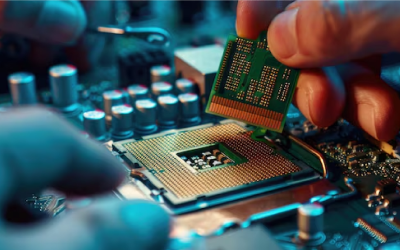
5 Reasons Why Keeping Your IT Hardware Up to Date Matters
5 Reasons Why Keeping Your IT Hardware Up to Date MattersOutdated IT hardware doesn’t always fail dramatically. More often, it quietly impacts performance over time – slowing systems, limiting capabilities, and increasing risk. While these issues can seem minor in...

How Remote Support Has Evolved to Meet Modern Workplace Demands
The Evolution of Remote Support in the Modern Workplace For SMEs in particular, this shift is not just technical, it has direct impact on operational continuity, regulatory compliance, and overall business resilience. As working environments have become more...