
The IT Check Your Dental Practice Can’t Afford to Skip

Every dental practice has a pre-inspection routine. Staff files updated. Sterilisation logs signed off. Consent forms in order.
But what happens when the inspector looks beyond the paperwork?
Not just “Can I see the patient record?” but “How do you keep that record secure, backed up and available when you need it?”
That’s where a practice that feels inspection-ready can discover an uncomfortable gap.
Not because patient care is poor, but because the systems supporting it haven’t been checked as thoroughly as the paperwork.
In a busy practice, it’s easy to assume the IT is fine because everything appears to work. Until a backup fails, a record can’t be traced or a system goes down.
Being able to access a patient record today doesn’t guarantee you can protect, recover or account for it tomorrow.
This is the first of three articles exploring IT risk and resilience in dental practices. We’ll look at the gaps that often go unnoticed, why they matter and what you can do about them.
You’ll also find a free 25-question check list to help you identify where your practice stands.
Why dental practices may be more exposed than they realise
Dental practices hold highly sensitive information: medical histories, radiographs, contact details, treatment records and payment information.
They’re also busy clinical environments where even a short IT outage can disrupt appointments, delay treatment and put pressure on staff. And without in-house IT expertise, it’s not always easy to know whether the systems behind the scenes are secure.
The risks are not theoretical.
The UK government’s Cyber Security Breaches Survey found that 43% of UK businesses had identified a cyber breach or attack in the previous 12 months. Among small businesses, the figure was 46%.
Healthcare technology providers are targets, too. In 2022, attackers got into Advanced, an NHS software supplier, through a single account without multi-factor authentication. The incident disrupted services, and the ICO subsequently fined the company £3.07 million over security failings that put the personal information of 79,404 people at risk. and exposing data on nearly 83,000 people.
The lesson for dental practices isn’t that every practice faces the same threat. It’s that a single weak point can have consequences far beyond the device or account where it starts.
Six IT risk areas worth checking
Digital risks don’t always announce themselves. They can sit quietly in everyday processes, going unnoticed because nothing has gone wrong yet.
Here are six areas worth reviewing, all covered in our free checklist.
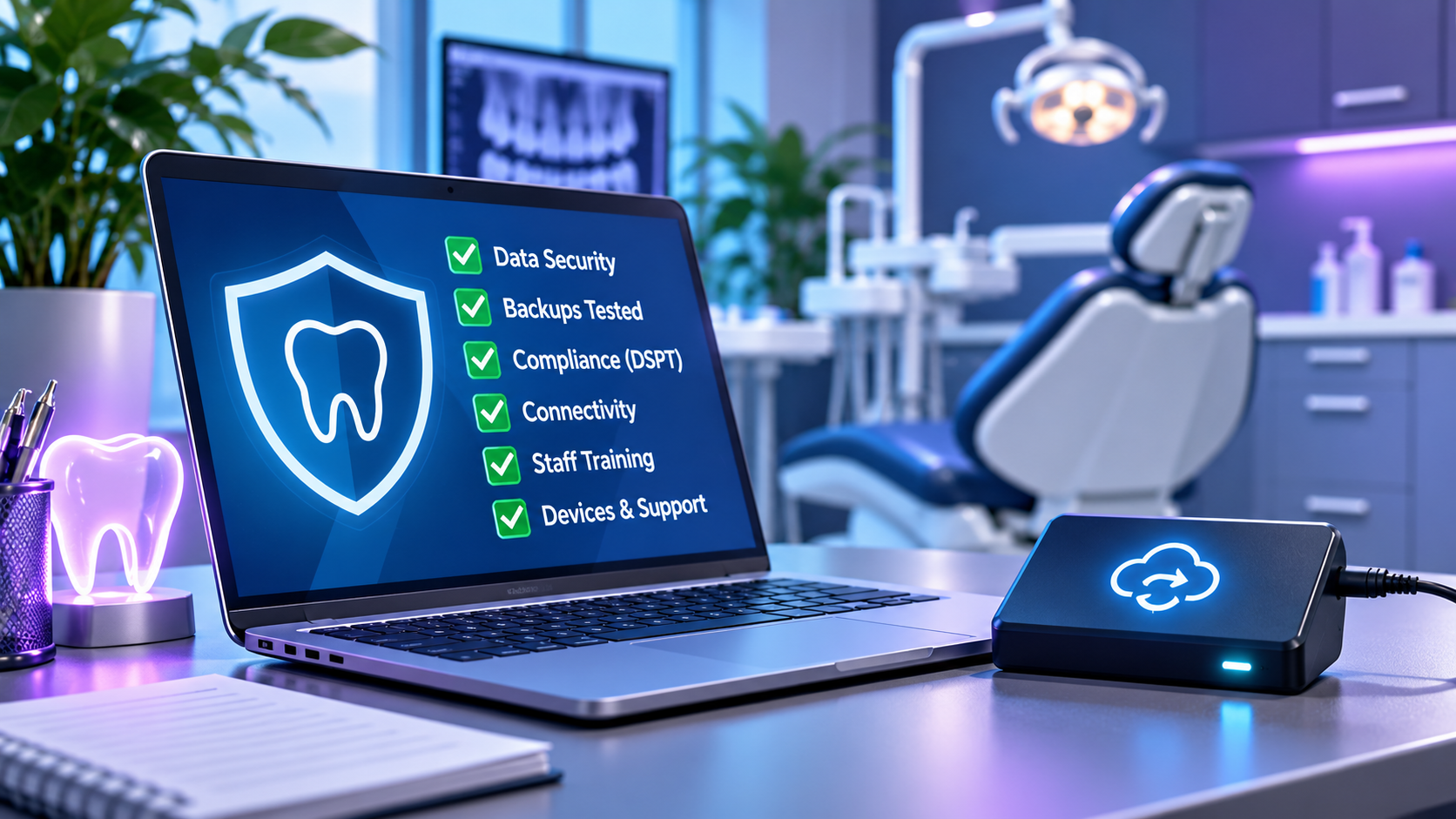
- Patient data security and access
Can you show who access a patient record and when?
Shared or generic logins make it harder to attribute activity to an individual. Without appropriate access controls and audit logs, it can be difficult to demonstrate that sensitive information is being accessed appropriately.
Email is another potential weak point. If an account relies on a password alone, a stolen password may be enough to gain access. Multi-factor authentication adds another layer of protection, yet only 47% of UK businesses use two-step login.
Ask yourself: Does every team member have their own login, and can you demonstrate who has access to patient information?
- Backup and business continuity
A backup can appear to run successfully without anyone knowing whether the data could actually be restored.
The General Dental Council says practice should make backup copies of computerised clinical records, radiographs and other images. But having a backup is only part of the picture. You also need confidence that it works.
And if your practice management system or network goes down, what happens next? Is there a documented plan for maintaining essential services and recovering your systems?
Ask yourself: When did you last test a restore, and does your team know what to do during an outage?
- Compliance and certification
Meeting your obligations means more than completing an annual form.
NHS dental contract holders need to pay attention to the Data Security and Protection Toolkit (DSPT) requirements that apply to them. Practices also need clear procedures for reporting, assessing and managing potential data breaches.
Under UK GDPR, certain personal data breaches must be reported to the ICO within 72 hours of becoming aware of them, where feasible, yet only a quarter of UK businesses have a formal incident response plan. Not every incident is reportable, but your team needs to know how to escalate concerns quickly enough to assess the situation.
Ask yourself: If a laptop went missing or a suspicious email led to a possible breach, would everyone know who to tell and what to do next?
- Communication and connectivity
When Wi-Fi drops in a surgery or a phone system becomes unreliable, staff find workarounds. Those workarounds can become routine, introducing operational and security risks.
The UK’s analogue telephone network switch-off is also approaching, with the industry transition scheduled to complete by 31 January 2027. Practices should check whether their phone systems, alarms and other connected equipment depend on services that need to change.
And when sending referrals or other sensitive patient information, staff need to use appropriate secure communication methods, rather than assuming ordinary email is suitable.
Ask yourself: Is your connectivity reliable throughout the practice, and have you checked which services and devices depend on legacy telephone lines?
- Staff practices and training
People are often the first line of defence, but they can also be an overlooked source of risk.
Phishing remains the most commonly identified type of cyber-attack in the government’s latest survey, hitting 38% of UK businesses in the past year. A convincing email, an unexpected attachment or a request to reset a password can create a problem in seconds.
Everyday inconsistencies matter, too. One clinician saves notes differently, another shares a login for convenience, and a locum uses an unapproved device. Each decision may seem minor, but together they can undermine security and consistency.
Ask yourself: Do staff know how to recognise suspicious messages, handle patient data safely and follow the same approved processes?
- Devices and IT support
Old equipment can remain in use long after its original purpose has ended.
A retired computer may still contain patient information. An X-ray workstation may depend on software is no longer supported. A supplier may have remote access to a system without a clear process for authorising or reviewing it.
Windows 10 reached the end of standard support on 14 October 2025. Devices still running it need an appropriate support and security plan, simply continuing to use them without updates can increase risk.
Where equipment cannot be updated, any isolation or network restrictions should be planned with clinical compatibility, patient safety and the supplier’s requirements in mind.
Ask yourself: Do you know which devices are still supported, what data they hold and who is responsible for maintaining them?
How resilient is your practice? Try five questions
See how your practice measures up. Answer these five questions honestly with Yes, No or Not sure:
- Does every team member have an individual login to the practice management system, with no shared or generic accounts?
- Do your email and practice systems use multi-factor authentication where supported and appropriate, rather than relying on passwords alone?
- Are your backups tested regularly to confirm that data can be restored?
- If you’re an NHS dental contract holder, have you achieved the applicable DSPT status required for your contact? If you’re a private-only practice, use this question to review whether your own data security arrangements are documented and reviewed.
- Have you checked whether your phone system and card machines will continue to work through the UK’s analogue network transition?
Don’t over a “Not sure”. If nobody knows whether a control is in place, it’s difficult to demonstrate that the risk is being managed.
These five questions are just a starting point. The full checklist contains 25 questions across all six risk areas, helping you identify whether further investigation or action may be needed.
Why these risks often stay hidden
IT problems tend to attract attention when something stops working: a slow computer, a failed printer or a login that won’t cooperate.
The risks that matter most aren’t always so visible. An untested backup, excessive user access or an incomplete audit trail may not interrupt anyone’s day.
They can remain unnoticed until one of two things happens:
- An inspection: You’re asked to demonstrate how information is protected, accessed and recovered, and discover that the evidence isn’t there.
- An incident: A lost device, compromised account or ransomware attack forces you to find out whether your systems and procedures can withstand disruption.
Neither is the ideal time to discover a gap.
The answer isn’t necessarily a new system or a major IT project. Often, the first step is understanding what you already have, what’s working and what needs attention.
If someone asked you to demonstrate how your practice protects its digital records tomorrow, how confident would you be in your answer?
How does your practice score?
✓ 25 questions covering six key IT risk areas.
✓ Around 10 minutes to complete, with no technical knowledge required
✓ A clear view of priorities so you can identify where to investigate and what to address first.
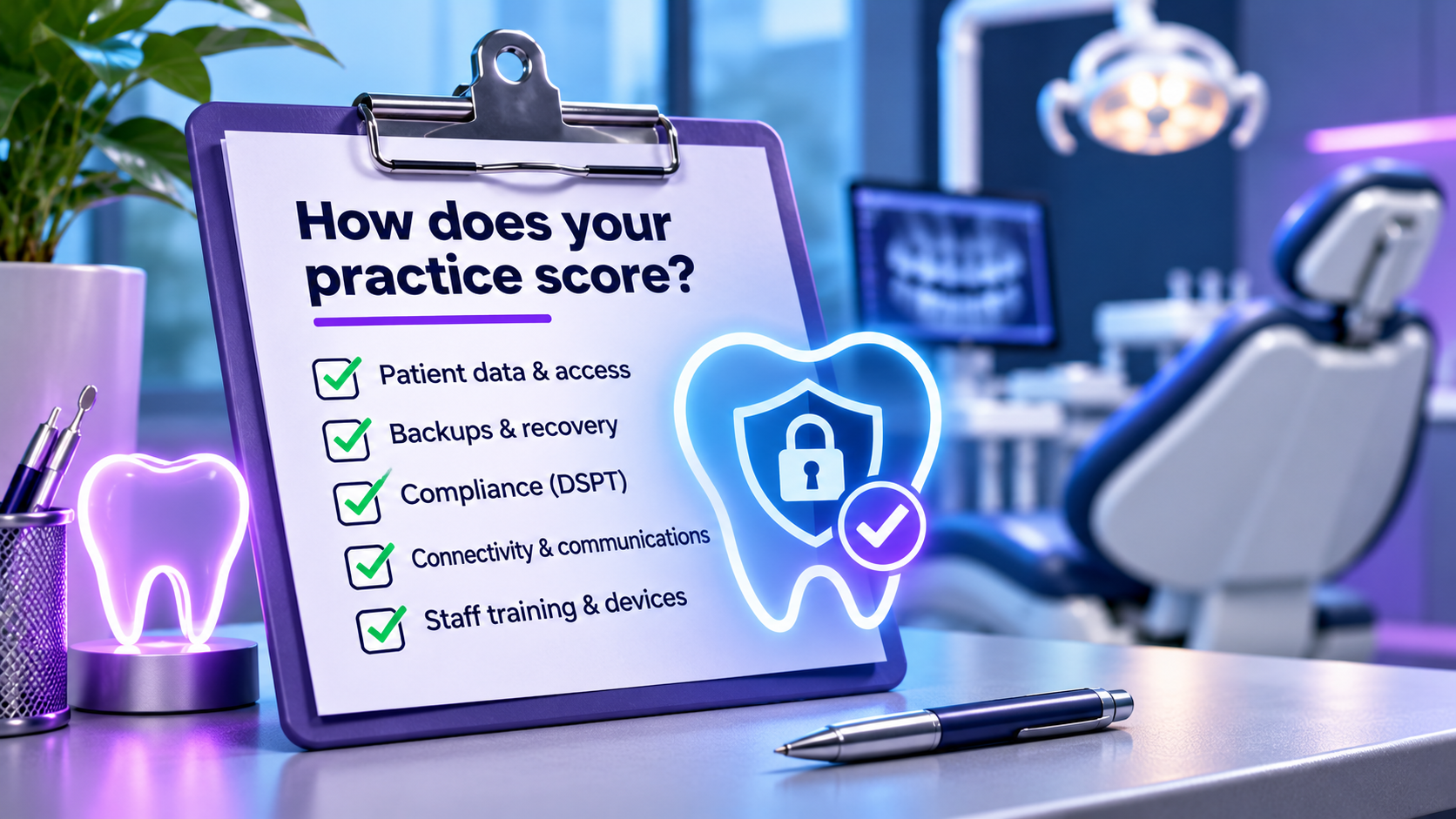
Want to talk it through? Call us on 0330 119 6666, or find out how we support your practice
Other Articles & Blogs
Parish Council Compliance: The Check You Could Fail
Most clerks would say their council’s systems are fine, until an FOI request or a cyber incident tests them. Here’s where parish council compliance gaps hide, what AGAR Assertion 10 now asks of you, and a free 10-minute checklist to see where you stand.
Hidden IT Risks in Care Homes (and How to Check Yours)
Most IT risks in care homes aren’t dramatic hacks. They’re everyday habits. Here are the six areas to check, and a free checklist to see where your home stands.

Unity News: Awards, Growth and New Faces
Unity Update: Awards, Growth and New FacesAs we step into a new month, we’re pleased to welcome three new additions to the Unity team: Johanne, Lynsey and Darren. Each brings their own specialist expertise, along with a shared focus on supporting our customers and...