
Securing Your Hybrid Workforce: Simple Steps to Reduce Risk
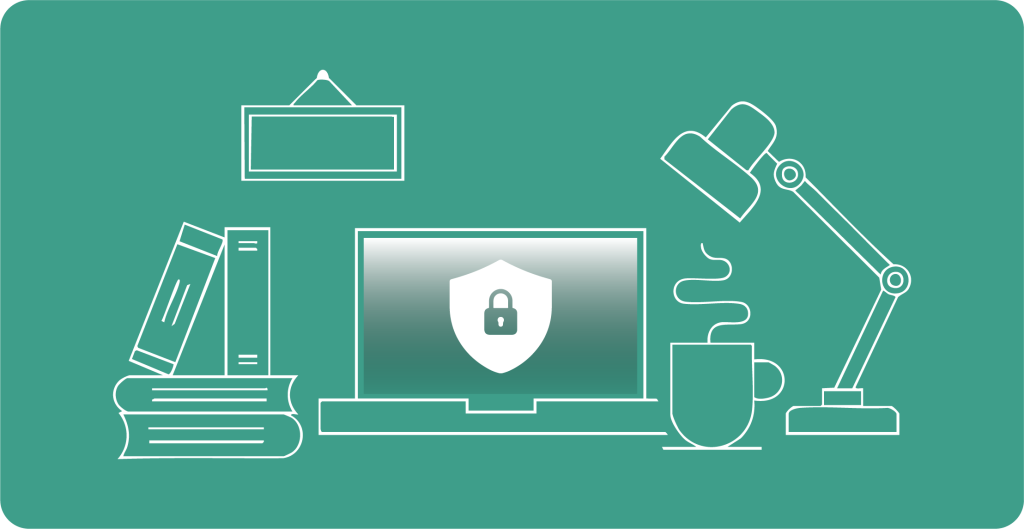
Hybrid working has changed the way businesses operate, and how they stay secure. Employees using home networks, personal devices, or working remotely can inadvertently create vulnerabilities.
Why it matters:
- Over 73% of businesses reported a security breach in 2024
- 75% of IT managers see remote workers as a bigger security risk than office staff
Common Risks of Hybrid Work
- Unsecured networks: Open Wi-Fi and poorly configured routers
- Phishing attacks: Remote employees are more likely to fall for fraudulent emails
- Device mismanagement: Laptops, tablets, and smartphones harder to update
- Shadow IT: Unapproved apps and cloud services create compliance gaps
- Unsecured when travelling: Laptops left unattended or sensitive info exposed
5 Practical Steps to Reduce Risk
- Enable Multi-Factor Authentication (MFA) – Adds a strong layer beyond passwords
- Secure Devices & Networks – Use company-approved devices and VPNs
- Keep Software Updated – Automate OS and app patches for all devices
- Educate Employees – Train staff on phishing, password hygiene, and safe file sharing
- Plan for Lost or Stolen Devices – Encrypt devices and enable remote wipe
Pro Tip:
Security isn’t just technical – it’s cultural. Clear policies, training, and IT support keep risks low.
Product Spotlight: Unity IT Support
Keep your business running, productive, and secure
Unity IT Support provides:
- Intrusion Prevention
- Advanced Threat Filtering
- Application Control
- Remote Access Security
- 24/7 Monitoring & Alerts
- Scalable Protection
With over 25 years’ experience, Unity acts as an extension of your team, preventing issues before they disrupt productivity.
Find out how Unity IT Support can simplify your technology
Find out how Unity IT Support can simplify your technology
Other Articles & Blogs

Unity News: Awards, Growth and New Faces
Unity Update: Awards, Growth and New FacesAs we step into a new month, we’re pleased to welcome three new additions to the Unity team: Johanne, Lynsey and Darren. Each brings their own specialist expertise, along with a shared focus on supporting our customers and...
5 Reasons Why Keeping Your IT Hardware Up to Date Matters
5 Reasons Why Keeping Your IT Hardware Up to Date MattersOutdated IT hardware doesn’t always fail dramatically. More often, it quietly impacts performance over time – slowing systems, limiting capabilities, and increasing risk. While these issues can seem minor in...

How Remote Support Has Evolved to Meet Modern Workplace Demands
The Evolution of Remote Support in the Modern Workplace For SMEs in particular, this shift is not just technical, it has direct impact on operational continuity, regulatory compliance, and overall business resilience. As working environments have become more...