
The Compliance Check Your Parish Council Could Fail Tomorrow
Most clerks would say their council’s systems are fine. Minutes are filed, the website is up to date and correspondence gets answered. On paper, everything looks in order.
Then a resident submits a Freedom of Information request. Or worse, something goes wrong with a laptop, an email account or a shared drive, and the council finds out in real time whether its record-keeping and data protection actually hold up. That isn’t a hypothetical. It’s the moment when gaps that sat quietly for years suddenly become very visible, very fast.
The compliance checks every parish council faces
Clerks are expected to run council business, manage meetings and handle finance, increasingly without any dedicated IT support. Compliance tends to sit in the background, something that’s “probably fine” because nothing has gone wrong yet.
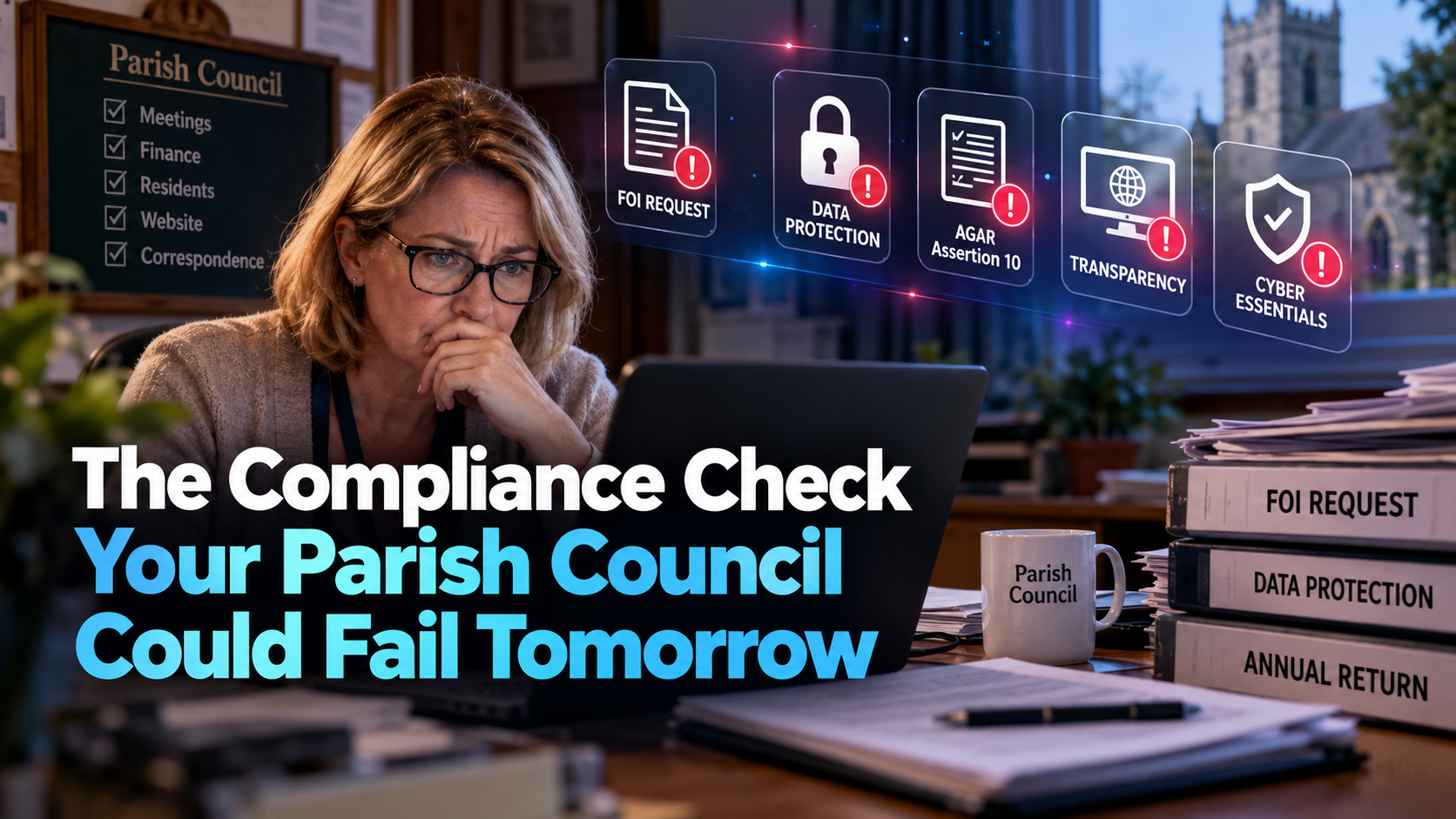
But councils face a growing list of expectations, and they don’t disappear just because there’s no IT officer to manage them:
- UK GDPR and data protection. Councils handle resident data, staff records and often sensitive correspondence. All of it needs to be stored, accessed and disposed of in line with the law, whatever the size of the council.
- AGAR Assertion 10. Since the 2025/26 financial year, councils have had to formally confirm in their annual return that they meet digital and data requirements, including having an IT policy, using council-owned email addresses and complying with data protection law. What used to sit in the background now has to be signed off every year.
- Transparency codes. Depending on their size, councils are required, or strongly encouraged, to publish financial and decision-making information online and keep it up to date, not just produce it once and forget it.
- Freedom of Information requests. Councils have a legal duty to respond within 20 working days, which means being able to find the information being asked for.
- Cyber Essentials. The government-backed baseline for protecting systems against common cyber attacks, and one NALC encourages every parish and town council to consider.
None of these needs a large IT department. But they do need systems and habits that hold up under scrutiny, and that’s exactly where gaps tend to hide.
Where the risk actually sits
It’s rarely one dramatic failure. More often, it’s a slow build-up of small, individually reasonable decisions:
- Council business run from personal or free email accounts rather than an address on a domain the council owns.
- Email accounts protected by a password alone, with no two-step login.
- Only the clerk can get into council email and files, so if they’re off sick or leave, everything stops.
- A Microsoft 365 or Google account whose admin login sits with a former clerk or a supplier, not the council.
- Backups that are assumed to be running but have never been tested with a real restore.
- Laptops, phones and software still in use long after they stopped receiving security updates.
- Phone lines, including alarm or lift lines in a council building, that haven’t been checked ahead of the analogue phone network switch-off in January 2027.
- No written process for handling an FOI request or a data breach, so the response depends entirely on one person remembering what to do.
Each of these feels minor on its own. Together, they’re exactly the pattern that turns a routine request into a real problem. When a resident asks a direct question, or a cyber incident forces the issue, there’s no time left to fix things after the fact.
Why this lands on the clerk
This isn’t just an embarrassing gap if it’s found. It’s a governance and reputational risk for the council, and the clerk is usually the one who has to answer for it.
Councils are public bodies. A mishandled FOI request, a data breach or a “no” on the annual return doesn’t just reflect on “the council” in the abstract. It reflects on the person responsible for the response, often without the resources or authority to have fixed the underlying problem beforehand.
That’s the uncomfortable part of the role: the expectation to be compliant has grown, but the support to make it straightforward often hasn’t kept pace.

Check where your council stands in 10 minutes
You don’t need an IT background to find out where your council stands. Our free Town & Parish Council Cyber Resilience Checklist is a quick self-assessment written for clerks and councillors. You answer yes, no or not sure to a series of plain-English questions across five areas:
- Direction and control: who’s responsible for IT, and whether anyone else could step in if the clerk was away.
- Information and obligation: council email, FOI and subject access requests, policies and website accessibility.
- Platform and infrastructure: devices, software, wifi, the systems you rely on, and your phone lines.
- Protection: two-step login, control of your domain name, and what to do if you’re hit by a cyber attack.
- Continuity: tested backups, and a plan for keeping council business running if IT fails.
At the end, you get a score showing where the gaps are, with the critical areas highlighted. Because it covers the digital and data requirements behind Assertion 10, it’s also a useful check before your next annual return.
“Not sure” is a perfectly good answer. It usually means nobody owns that area, which is worth knowing in its own right.
Where to start
You don’t need to overhaul everything at once. The most useful first step is simply knowing where you stand, and the checklist will give you that in about 10 minutes.
If it shows some gaps, book a free, no-obligation Technology Resilience Review. We’ll go through your results with you, and your “no” and “not sure” answers will show us where to start.
If a resident submitted an FOI request tomorrow, would your systems hold up?
Prefer to talk it through?
Call Unity World on 0330 119 6666
Other Articles & Blogs

Unity News: Awards, Growth and New Faces
Unity Update: Awards, Growth and New FacesThere’s a lot happening at Unity right now, from exciting industry recognition to welcoming new talent into the team. Here’s what’s new.Meet Our New StartersOur team continues to grow, and we’re delighted to welcome three new...

The New Endpoint Reality
The New Endpoint RealityEndpoints aren’t just laptop, phones anymore. They’re every connected touchpoint in your business – remote workers, hybrid teams, retail systems, cloud workloads, IoT devices, and every one is part of your security and productivity ecosystem....

Why the Best Workplace IT Is the IT You Don’t Notice
Why the Best Workplace IT Is the IT You Don’t NoticeWhen people think of great workplace IT, they imagine advanced systems and powerful tools. But the most effective IT is often the IT you don’t notice. It works seamlessly behind the scenes so teams can focus on what...