
When technology fails, care can’t stop: the hidden IT risks in your care home
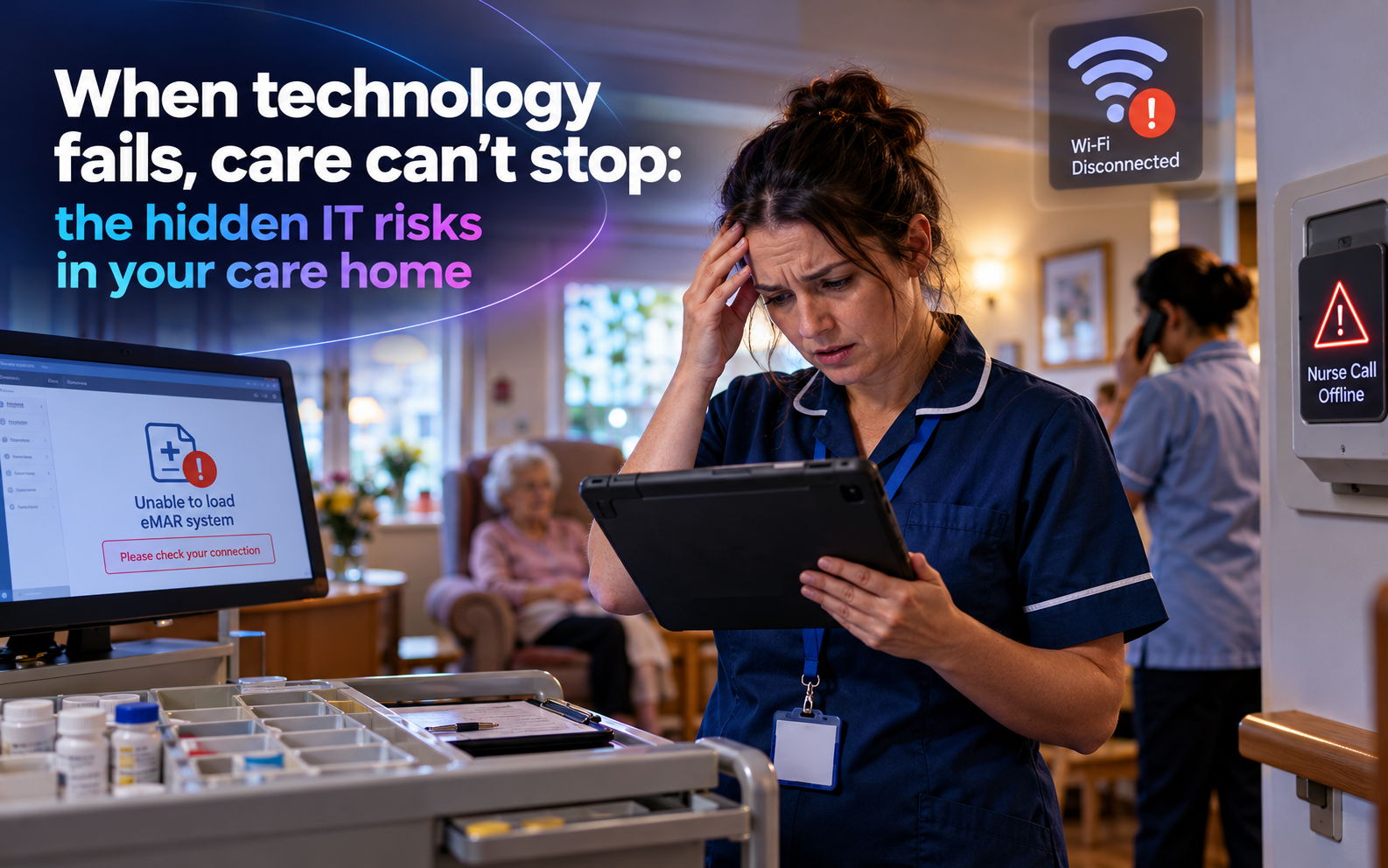
It’s 8am. The morning medication is about to start. The tablet won’t load the electronic medication adminstration record (eMAR) system, the Wi-Fi on the first floor has dropped again, and nobody is quite sure where the paper MAR charts are kept.
It’s the kind of morning no care home manager wants, but one that’s easy to imagine.
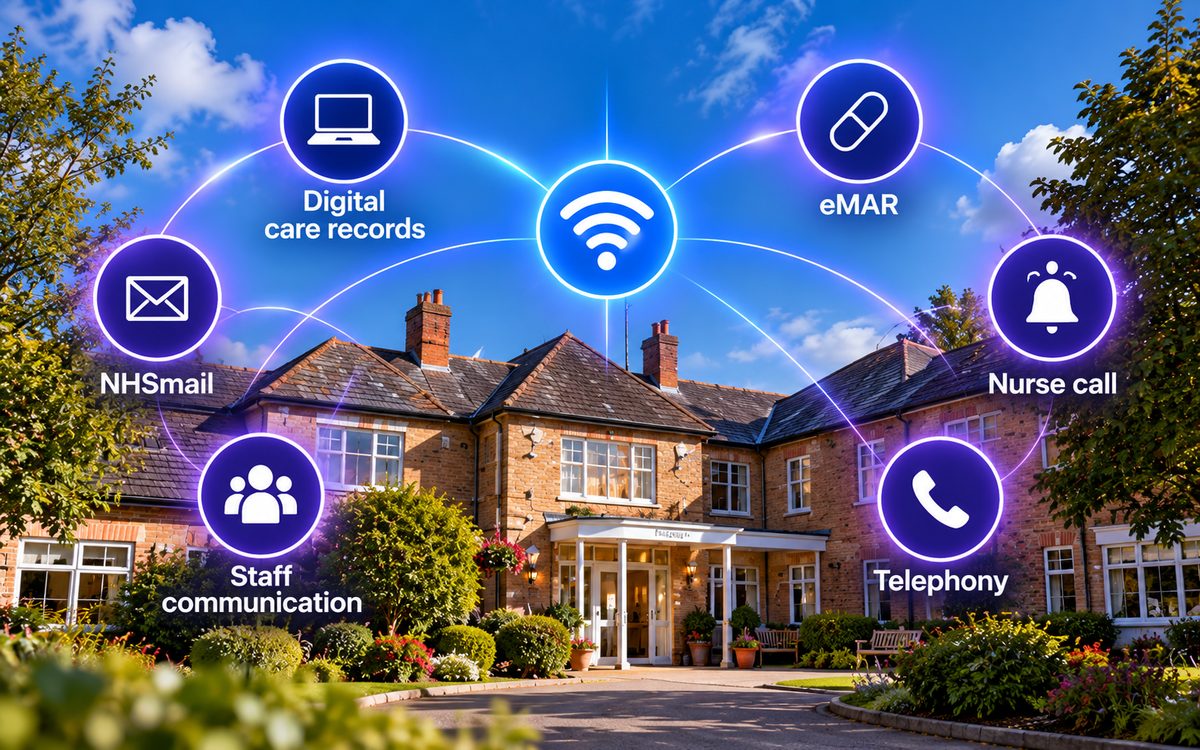
Care homes run on people, compassion and routine, but technology now sits underneath almost everything: digital care records, eMAR, nurse call, rotas, NHSmail and the Wi-Fi that connects them all.
When everything works, it’s easy to take it for granted. When something fails, even for an hour, the consequences can affect medication rounds, handovers, staff communication and, ultimately, resident safety.
The question isn’t whether your care home uses technology. It’s whether you can keep delivering safe care when it doesn’t work as expected.
This is the first in a three-part series exploring technology in care homes. We start with risk: the everyday IT weaknesses that can leave your home exposed, how to spot them and what you can do about them.
We’ve also created a free 25-question checklist to help you assess your home’s technology resilience. You can try five questions below, then complete the full checklist to identify where to focus first.
Why care homes may be more exposed than they think
It’s easy to assume cyber-attacks happen to hospitals and large businesses, rather than a 40-bed care home. But care providers hold some of the most sensitive information, including health records, medication details, safeguarding notes and family contacts.
That makes them an attractive target. And without dedicated IT support, smaller providers may find it harder to keep systems secure, maintain backups and respond quickly when something goes wrong.
The latest UK Government Cyber Security Breaches Survey, published in 2026, found that 43% of UK businesses and 28% of charities had identified a cyber security breach or attack in the previous 12 months. The figure for small businesses was 46%. These figures cover organisations across sectors, not care homes alone, but they show how widespread the risk is.
The impact can extend well beyond a single organisation. In 2022, a ransomware attack on Advanced, a software supplier to the NHS and care providers, disrupted services and exposed data on nearly 83,000 people, This included information about how to access the homes of 890 people receiving care at home. The incident highlighted the risks of compromised accounts and inadequate access security. The Information Commissioner’s Office (ICO) later fined the company £3.07 million.
Meanwhile, digital care records are becoming the norm across the sector. As more care providers rely on digital systems, dependable connectivity, secure access and a tested plan for downtime become increasingly important.
What does IT risk actually look like in a care home?
IT risk doesn’t always look like a dramatic cyber-attack. Often, it builds up through everyday habits, ageing equipment and gaps in responsibility, particularly when staff are busy and nobody has clear ownership of IT.
Our checklist groups these risks into six areas.
- Data security and access
Shared logins make it difficult to establish who recorded or changed information. Agency and bank staff may be given generic accounts, while former employees’ access can remain active long after they’ve left.
Password-only access to email and other important systems also leaves the door open if a password is stolen. Yet only 47% of UK businesses use two-step login.
Ask yourself: Can you identify who accessed a system, and are all accounts protected appropriately?
- Backup and business continuity
A backup is only useful if you can restore your data from it.
Some providers have never tested whether their records could be recovered after a computer failure, cyber-attack or accidental deletion. Others have no clearly documented procedure that staff can follow when digital systems become unavailable.
If eMAR goes down during the medication round, do staff know exactly what to do? Is there approved paper-based fallback, and can they find it quickly?
Ask yourself: Could your team continue delivering safe care if a critical system went offline today?
- Compliance and certification
Data protection and cyber security responsibilities don’t disappear when IT is outsourced.
The Data Securioty and Protection Toolkit (DSPT) helps relevant health and care organisations assess their data security practices. Achieving Standards Met is an important milestone, but completing the toolkit should be part of an ongoing approach to managing risk, not simply an annual exercise.
Staff also need to know how to report a suspected breach or lost device. Where a personal data breach is reportable to the Information Commissioner’s Office (ICO), the organisation has 72 hours from becoming aware of it to notify the ICO, yet only a quarter of UK businesses have a formal incident response plan.
Ask yourself: Is your DSPT up to date, and would staff know who to contact if they suspected a data breach?
- Communication and connectivity
Digital care records and eMAR depend on reliable connectivity. Weak Wi-Fi coverage in bedrooms or communal areas can disrupt access to information just when staff need it most.
There is another issue to consider: the UK’s transition away from traditional analogue telephone services. The planned industry deadline for the public switched telephone network (PSTN) switch-off is 31 January 2027, although individual services and migration arrangements may vary.
Alarm systems, nurse call, lifts and telecare equipment can be affected if they rely on legacy telephone lines or aren’t compatible with replacement services. Some systems may also need battery backup to operate during a power cut.
Ask yourself: Have your suppliers checked every affected system, confirmed compatibility and tested the replacement arrangements?
- Staff awareness and training
IT risk doesn’t always look like a dramatic cyber-attack. Often, it builds up through everyday habits, ageing equipment and gaps in responsibility, particularly when staff are busy and nobody has clear ownership of IT.
Our checklist groups these risks into six areas.
- Devices and IT support
Old computers that no longer receive security updates can leave systems vulnerable. So can poorly secured CCTV, door-entry and nurse call equipment, particularly if these devices share a network with systems containing sensitive resident information.
Supplier access needs attention, too. Remote access can be useful for maintenance, but it should be controlled, monitored and disabled when it’s no longer required.
Ask yourself: Do you know which devices are connected to your network, which still receive security updates and who can access them remotely?
Try five questions from our free checklist
See how your home measures up. Answer these five questions honestly with Yes, No or Not sure:
- Does every member of staff, including agency and bank staff, have an individual login rather than a shared or generic account?
- Do your email and care systems use two-step verification where supported and appropriate, rather than relying on passwords alone?
- Are your backups tested regularly to confirm that data can actually be restored?
- Has your latest DSPT assessment reached Standards Met, where applicable to your organisation?
- Have all relevant alarm, nurse call, lift and telecare systems been checked for compatibility with the move away from analogue telephone services?
Don’t be tempted to guess. In our checklist, Not sure scores the same as No. That’s not judgement on your team, it simply highlights an area that needs checking.
Even if you can answer Yes to most questions, one unresolved gap could make a difference when a system fails.
The full checklist contains 25 questions across all six risk area, helping you build a clearer picture of what’s working, what needs attention and where to start.
Why getting this right matters
A technology problem in a care home can quickly become a care problem.
Reliable systems help staff access the information they need, communicate effectively and maintain safe routines. Good security and business continuity arrangements also help protect residents’ personal information, support your organisation’s regulatory responsibilities and maintain the confidence of residents and their families.
The good news? Improving resilience doesn’t always mean buying new technology or embarking on a major IT project.
You could start by enabling two-step verification, removing access promptly when someone leaves, checking that backups can be restored or making sure your downtime procedure is accessible and understood by staff.
The important thing is to know where the gaps before you need to rely on those systems.
How does your care home score?
✓ 25 questions covering six key area of IT risk
✓ Around 10 minutes to complete, with no technical knowledge required
✓ A completed copy emailed to you, ready to support your internal review and relevant DSPT or CQC evidence.
Want to talk it through? Call us on 0330 119 6666, or find out how we support care homes.
Other Articles & Blogs

The Hidden Risk in “Good Enough” Internet
Is Your Business Internet Fit for 2026 – Or Just “Good Enough”?For a long time, internet connectivity has been treated like a utility, something that's simply expected to work in the background. And for many businesses, that assumption has held up reasonably well. But...

Inside the Software Powering NASA’s Artemis II Mission
Inside the Software Powering NASA’s Artemis II MissionInside the Software Powering NASA’s Artemis II Mission The Artemis II mission marks the first crewed journey around the Moon since the Apollo program, but the technology behind it is on an entirely different level....

Unity News: Awards, Growth and New Faces
Unity Update: Awards, Growth and New FacesThere’s a lot happening at Unity right now, from exciting industry recognition to welcoming new talent into the team. Here’s what’s new.Meet Our New StartersOur team continues to grow, and we’re delighted to welcome three new...