
Tech Tip: Speed Up Your PC in 60 Seconds

Does your computer feel slow or unresponsive when you first turn it on?
A common cause is too many applications launching automatically at startup.
Many programs quietly add themselves to startup without you realising, using valuable CPU and memory before you even begin working.
Applications like Zoom, Teams and Adobe Updater are frequent offenders.
How to Fix It
You can review and disable unnecessary startup programs:
- Press Ctrl + Shift + Esc to open Task Manager
- Click the Startup tab
- Disable applications you don’t need to launch automatically
Don’t worry, this doesn’t uninstall the software, it simply stops it running every time your computer starts.
Still Experiencing Slow Performance?
Get in touch – we’re here to make IT faster, simpler, and more reliable.
Still Experiencing Slow Performance?
Get in touch – we’re here to make IT faster, simpler, and more reliable.
Other Articles & Blogs

The Hidden Risk in “Good Enough” Internet
Is Your Business Internet Fit for 2026 – Or Just “Good Enough”?For a long time, internet connectivity has been treated like a utility, something that's simply expected to work in the background. And for many businesses, that assumption has held up reasonably well. But...
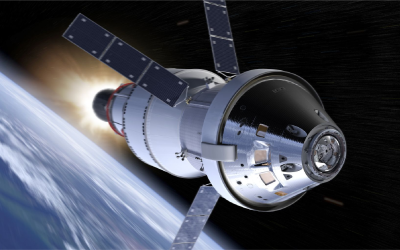
Inside the Software Powering NASA’s Artemis II Mission
Inside the Software Powering NASA’s Artemis II MissionInside the Software Powering NASA’s Artemis II Mission The Artemis II mission marks the first crewed journey around the Moon since the Apollo program, but the technology behind it is on an entirely different level....

Unity News: Awards, Growth and New Faces
Unity Update: Awards, Growth and New FacesThere’s a lot happening at Unity right now, from exciting industry recognition to welcoming new talent into the team. Here’s what’s new.Meet Our New StartersOur team continues to grow, and we’re delighted to welcome three new...